Unite (UI) - Rename
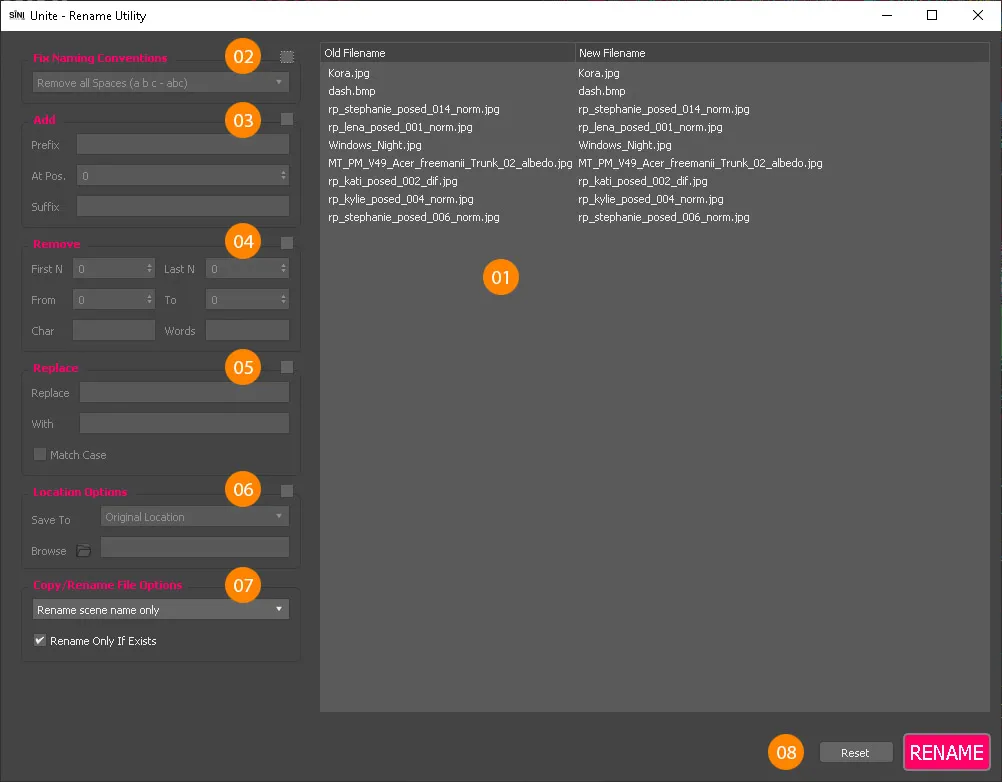
01. Filename List
The list displays both the original filename (old) and the new filename, listed side by side.
Please note. The New filename will change red before clicking the RENAME button, which commits the change. This indicates that the file is not located in the scene at that time - until you click RENAME. The Red highlight is dependent on the Copy/Rename File Options in the side menu. See 07. Copy/Rename File Options.
Side Menu
Click the checkbox to activate the widget. Unchecking will reset any widget changes.
02. Fix Naming Conventions
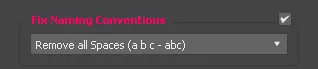
- Remove all spaces (a b c to abc)
- Remove Special Characters (@!?%&)
- Remove Kebab Case (a-a to aa)
- Remove Snake Case (a_a to aa)
- Change all UPPER to lower case
- Change all lower case to UPPER
- Underscore spaces (Snake Case, a a to a_a)
- Change Kabab to Snake case (a-a to a_a)
Game Engine Compliance
To ensure your texture bitmap names comply with game engines such as Unreal Engine and Unity, use this widget to change to Snake Case, and lower case.
03. Add
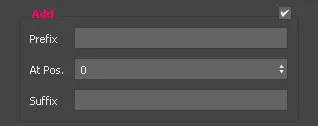
Add a prefix to the selected. You can adjust where the prefix is positioned by adjusting the At Position settings.
Add a suffix will append the name with the new text.
04. Remove
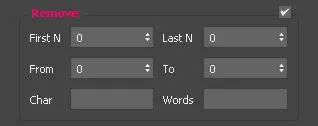
First N - Removes from the start of the name. Last N - Removes from the end of the name. From / To - Define the start and end position to remove. Character - Removes characters. Case sensitive. Words - Removes all the exact words. Case sensitive.
05. Replace
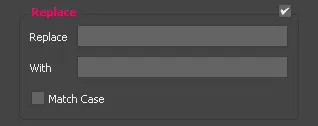
Replace - Define the parameters you wish to replace. With - Add the replacement.
Check the Match Case checkbox for case accuracy.
Please ensure the other widgets are unchecked for this to work correctly.
06. Location Options
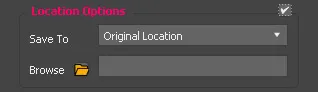
Save to - Select the drop down to choose from the Original and New Locations.
Browse - Select the location path.
07. Copy/Rename File Options
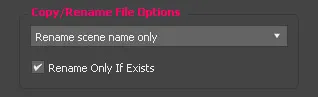
Dropdown list
- Rename the filename in the scene only - i.e. renaming proxies.
- Make a file copy and rename the filename in the scene - creates a copy on disk and updates links to the file.
- Make a file copy on disk - creates a copy but doesn't link to the file.
- Rename file name on disk and in the scene - Updates both to the new name.
Rename Only If Exists checkbox -
08. Rename
The reset button globally switches off all widgets, thereby clearing all modifications. To commit all modifications, click RENAME.
WARNING! Renaming an LOD texture map will lose the ability to revert to the original, as it will lose the name and relationship to the original name. For example. If the original name is TEXTURE and the LOD is TEXTURE_256px and you rename the TEXTURE_256px to Tex_256px, revert won't work as it does not include the complete original name plus the LOD suffix. We recommend renaming the original texture first, before creating LODs.